
-
Help guide
What is the International payment tracker?
Welcome to the Deutsche Bank International payments tracker help guide. The paymemt tracker provides our clients and their customers the ability to trace cross-border payments that are processed through the Deutsche Bank branch network, utilising the Unique End-to-End Transaction Reference (UETR) identifier that is now required on all cross border transactions processed via the SWIFT network to provide you with up to the minute status on your transactions
How to use UETR search
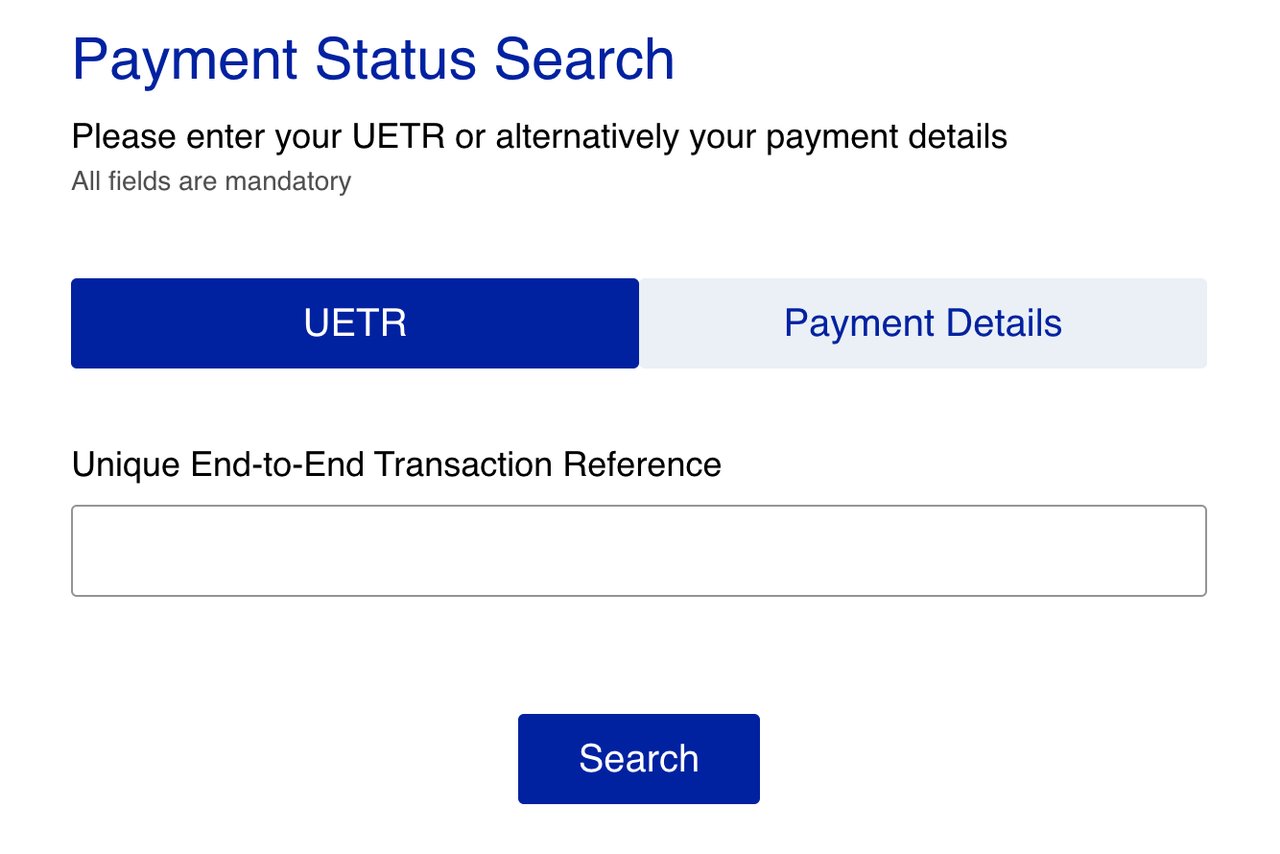
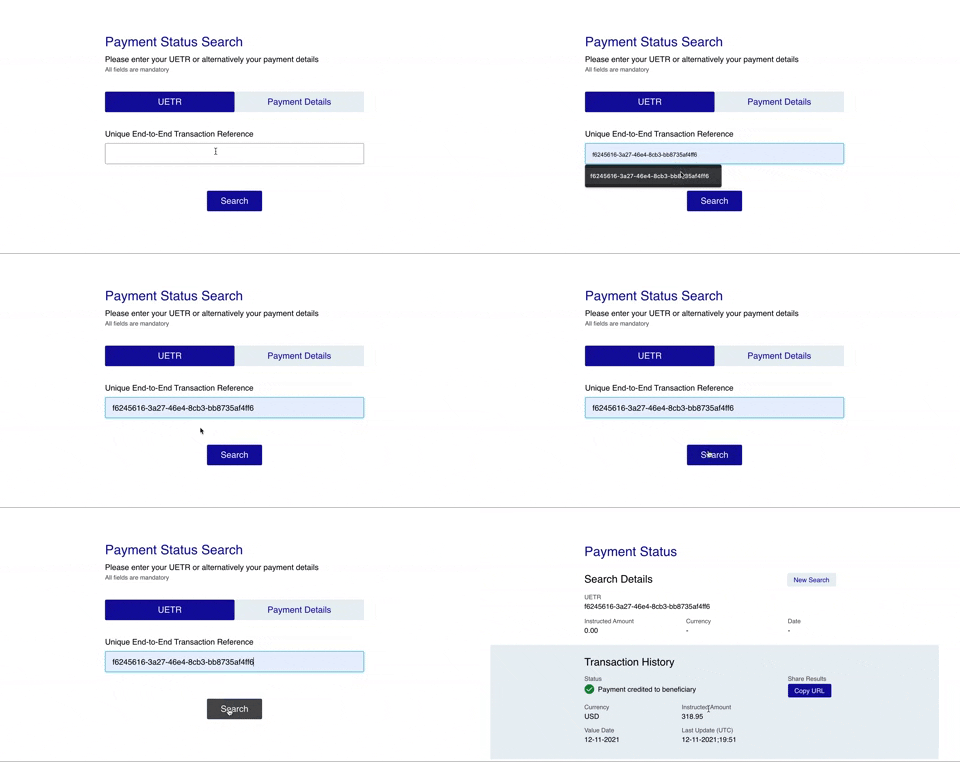
Enter your UETR number and press search. If you would like to share the results of the search, you can press the "copy URL" button, send the link to someone else and they will be able to view the status of the payment.
How to use Payment Details search
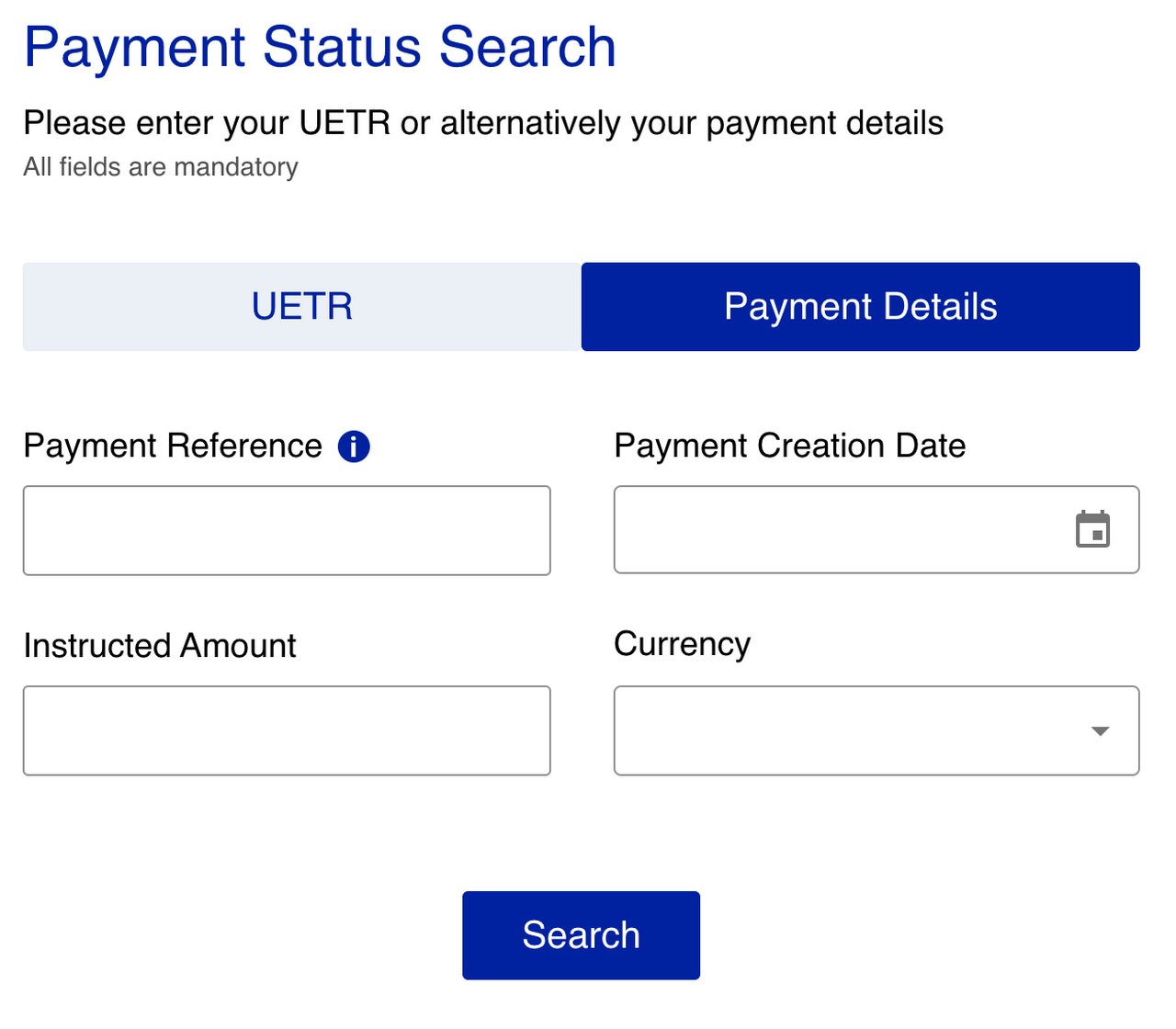
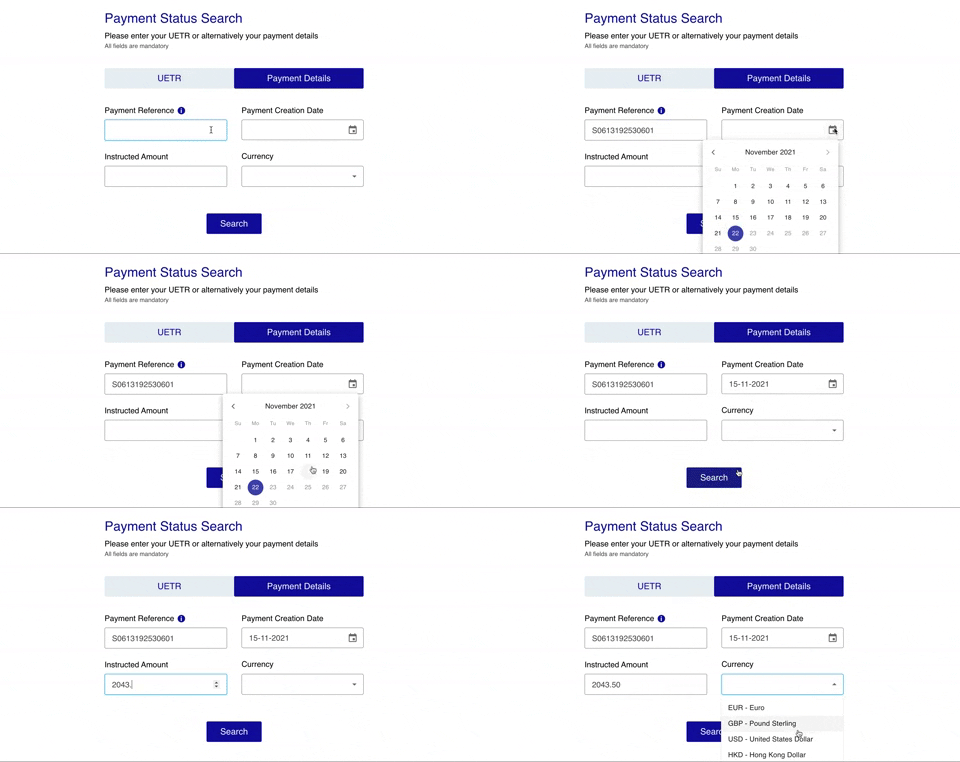
Enter the payment reference, payment creation date, instructed amount and currency. All fields must be present and correct, if one of them is not you will be notified which one and allowed to edit your search. Once entered and validated, the payment is found and similar to the UETR search, you will be presented with the Transaction history.
FAQs
Show content of What is a UETR?
%%%active
A UETR is very much like the tracking number couriers use when you send or receive a parcel. The sender issues a unique, unalterable reference which allows a payment to be located at any time, by any of the parties in the chain. UETRs are fully digitised and totally transparent − leading to fast, efficient processing. The sender is also automatically notified of any status changes applied by any banks handling the payment and − crucially − confirmation that the funds have been credited to the beneficiary or rejected at any point in the payment chain.
Source: SWIFT official website
Show content of What do I do if I don't have my payment details?
If you do not have your payment details, reach out to your liason at the bank who will be more than happy to provide these details for you.
Show content of What is the "Copy URL" button?
If you would like to share the transaction history of your transaction, you can simply click the "Copy URL" which will copy the current url to your clipboard that can be shared with anyone. Anyone who accesses the link will be able to view the transaction history.
Show content of Payment reference vs UETR?
The payment reference is the transaction reference provided to you when you first instructed the transaction. The UETR is the tracking number assigned to the transaction as it is using the SWIFT network.
Show content of What is the last update referring to?
The last update is any change or update made on the transaction by any of the intermediary banks along the route in the swift network.
Show content of Why is my payment rejected?
Your payment could be rejected for a number of reasons including fraud detection, sanctions screening etc.
Show content of Why is my payment taking so long?
Your payment may be on hold by one of the intermediary banks who may be doing their own due diligence to ensure their reputation remains intact.